Tokens
A token represents a character on the table.
Placing a token
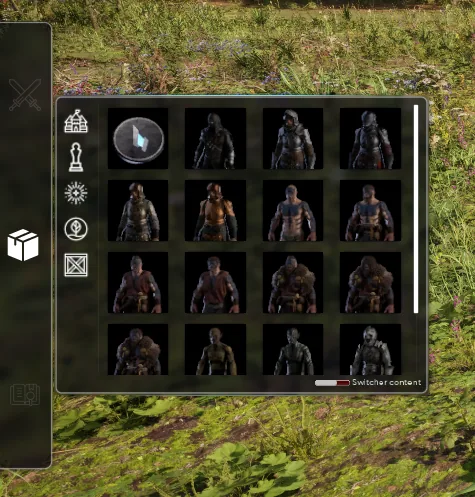
Open the toolbox and the character menu on the left side of your screen. Drag and drop your chosen token onto the map.
Once placed, a token behaves like any other object: selection, gizmo, duplication.
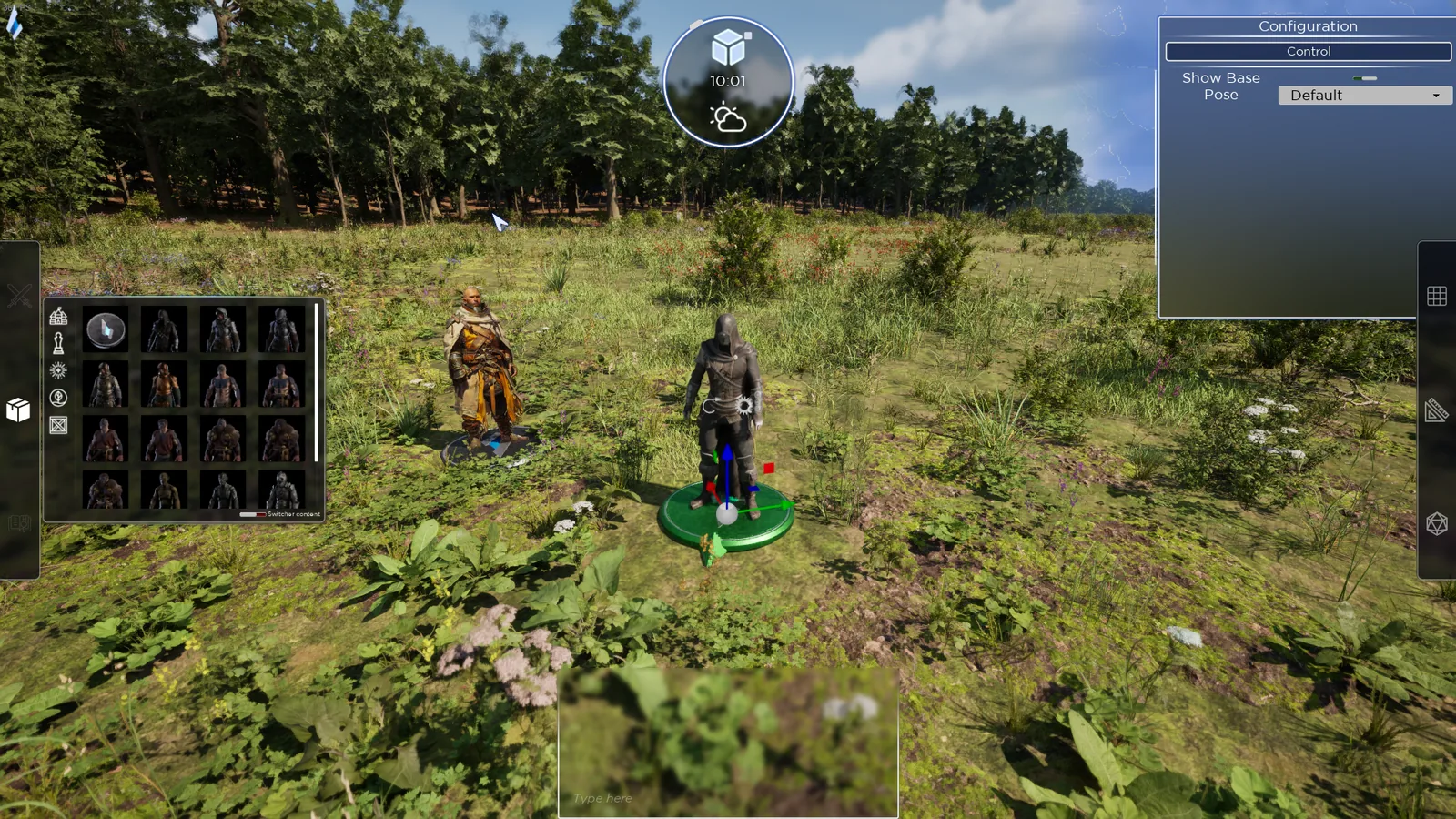
Configuring a token
Select it and press C, or click the gear wheel above the gizmo.
3D tokens
- Take control of the character
- Show or hide the base
- Change the default pose
2D tokens
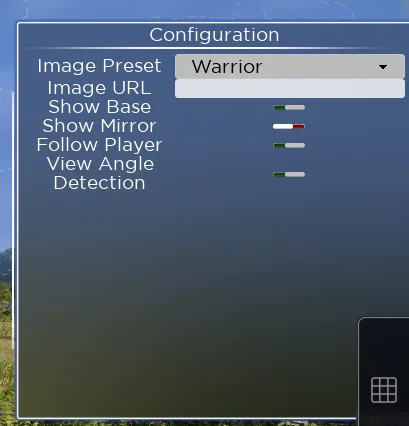
- Pick a preset image
- Enter a custom image URL, pressing Enter after pasting the link
- Show or hide the base
- Show or hide the mirror frame around the image
- Follow player: the image always faces the player
- View angle detection: the image lies flat in top-down view
A 2D token's image is supplied by URL, so it must be hosted online.
In game
See Handling objects in play mode for what your players can move.