Universes and boards
Creating a universe
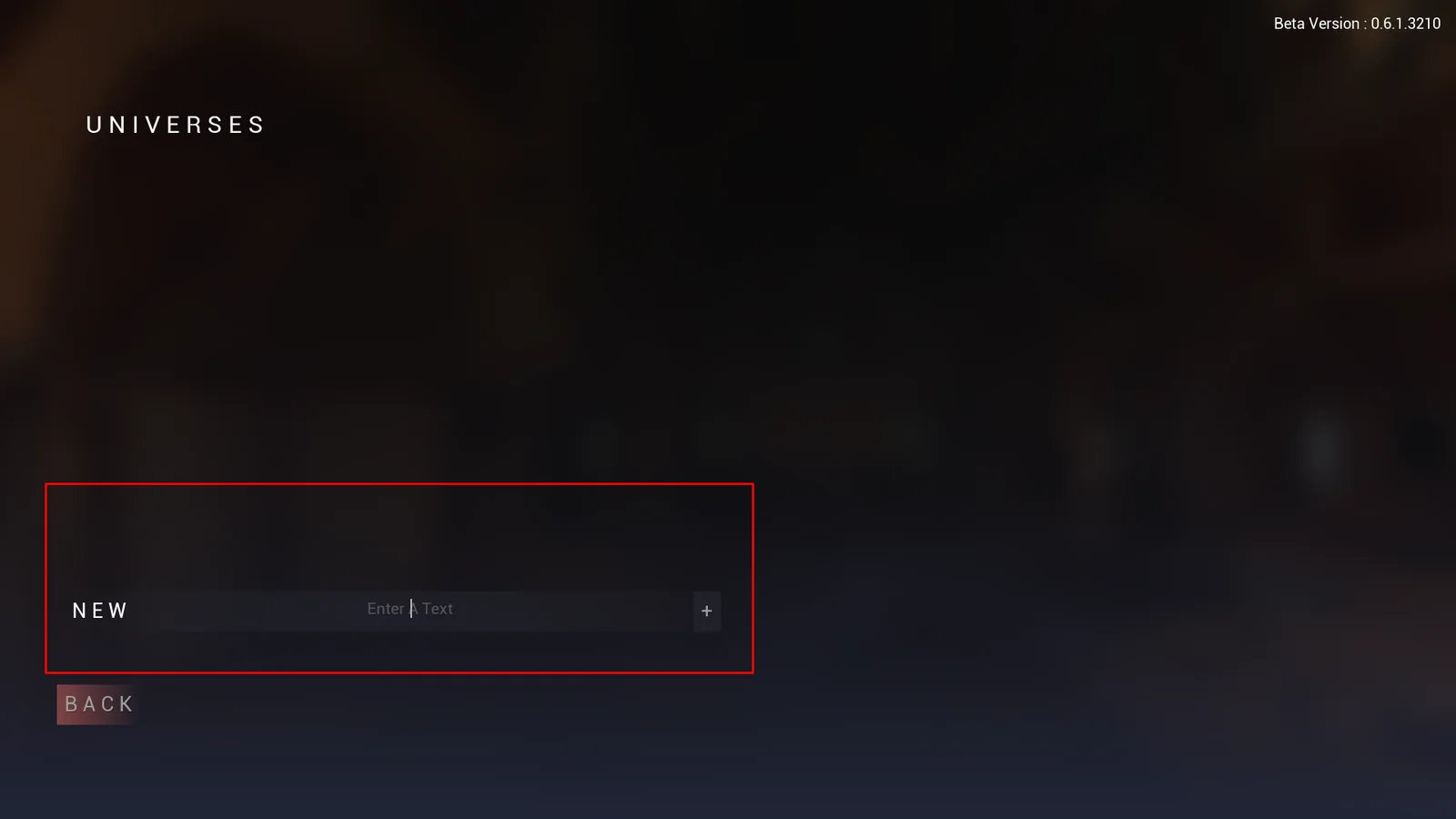
From the menu, open the universe list. Select New, name your universe, then confirm with the + button.
Click Launch to load it: you arrive in the Lobby.
Creating a board from the Lobby
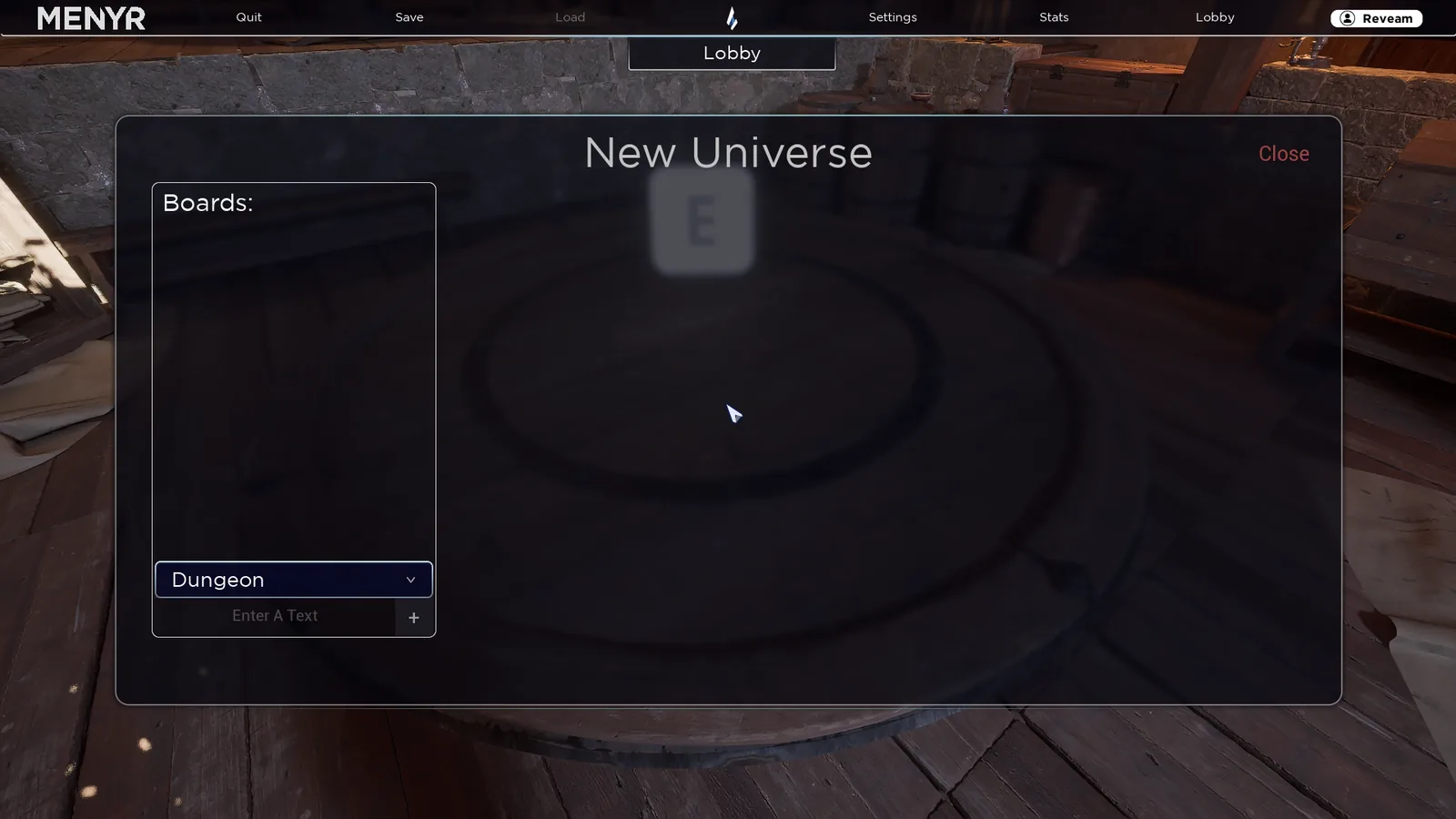
Walk up to the table at the centre of the Lobby and press E to open the universe manager.
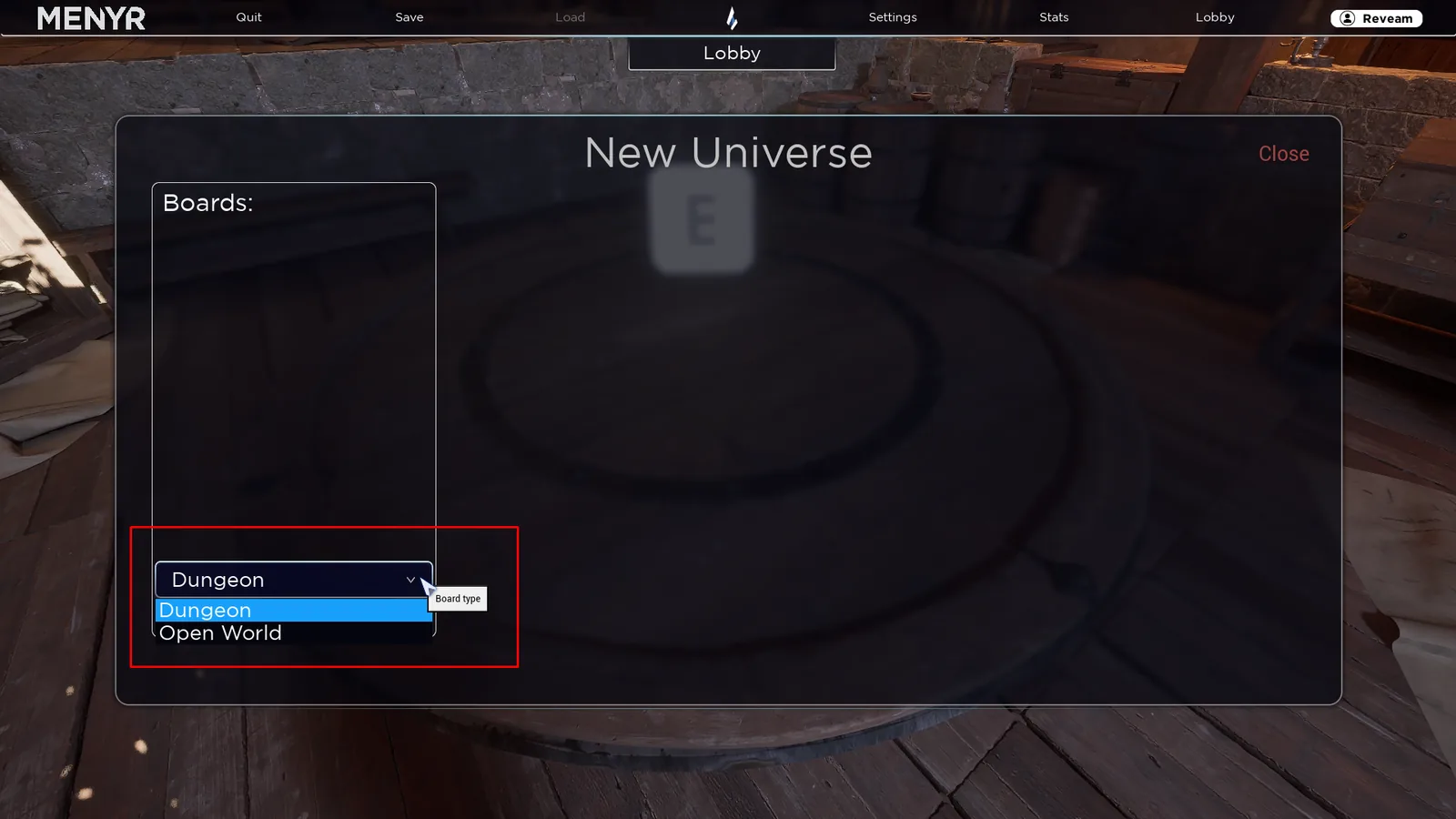
Pick a board type from the dropdown, name it, confirm with +.
Then click your new board, choose Load This Board, wait a few seconds and click Load to join your map.
Two board types
The type is chosen at creation.
Open World
An exterior: region, forest, plain, village, coastline. 100 km².
An Open World board starts empty, with no terrain. Your first job is to create one with the Sandbox.
Dungeon
An interior: dungeon, cave, building, room. 1 km² playable and buildable.
A Dungeon board has no terrain. You build directly with the architecture kit.
Levels
A dungeon is built across 111 levels (0 to 110), each 2.56 metres high.
You pick which level to display: levels above are hidden, levels below are dimmed. This lets you work and play floor by floor without losing track of what sits underneath.
The type cannot be changed
An Open World board cannot become a Dungeon, or the other way around. If you picked wrong, create a new board: nothing stops a universe from mixing both.
Choosing between them
| You want... | Type |
|---|---|
| A region, an exterior, a village in its landscape | Open World |
| A dungeon, a cave, the inside of a building | Dungeon |
For an inn inside a village, two approaches: build the inn directly on the Open World, or make a separate Dungeon board for its interior and switch between the two in game.