Switching between building and playing
Menyr has no separate editor. You build and play in the same world, switching between modes whenever you want.
The two modes
Build mode is for building: placing assets, sculpting terrain, configuring objects.
Play mode is for playing: moving tokens, handling objects, rolling dice.
To switch, click the Menyr logo in the top left of the HUD. The switch is instant and doesn't interrupt the session.
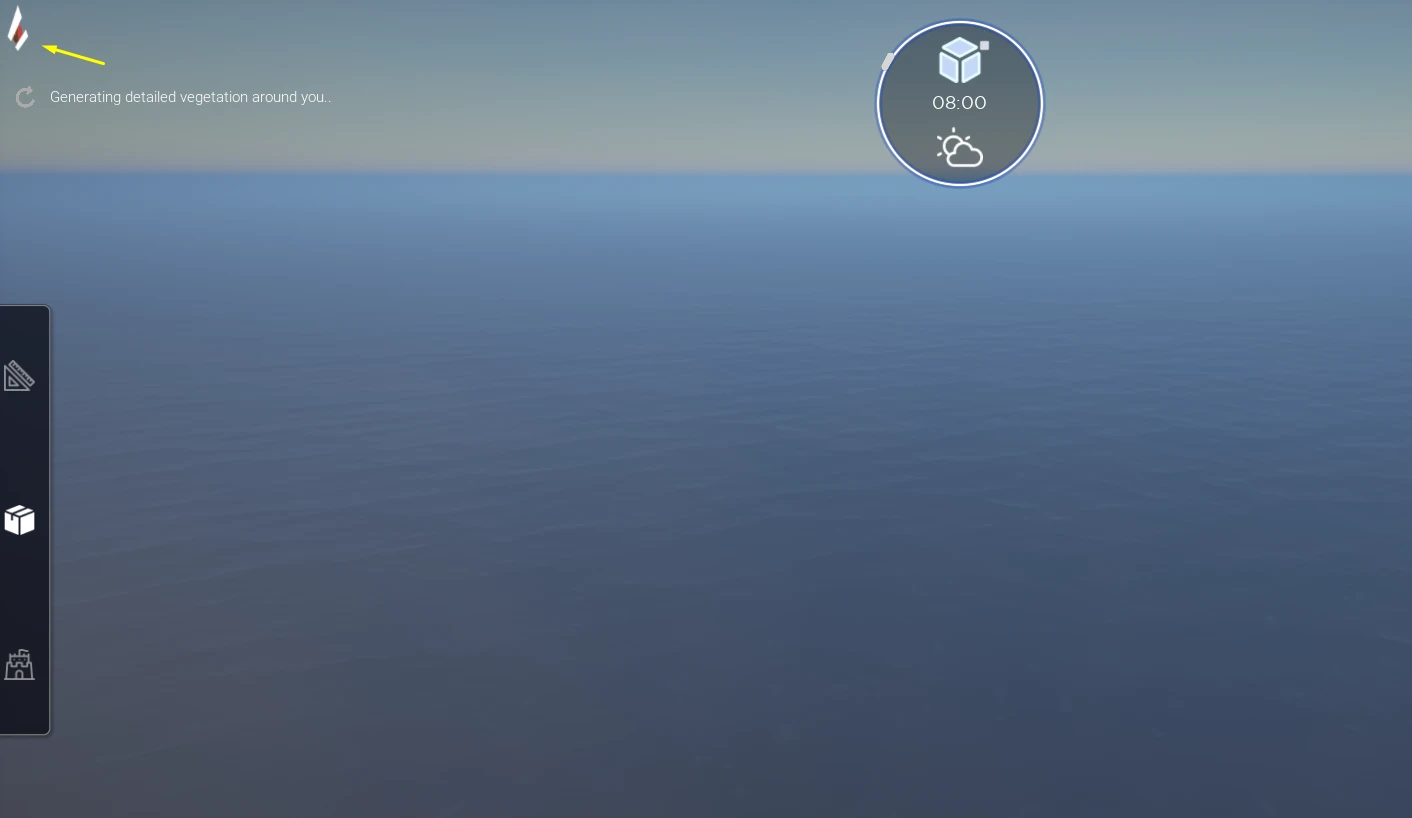
This is what makes improvisation possible: if your players head somewhere you hadn't planned, you switch to build mode, place what you need, and go back to playing.
Camera or interface: right click
In game, right click toggles between two states:
- Camera control: you look around and move
- HUD display: the cursor is free, you click in the interface
Only one state is active at a time. To click a button you need HUD display; to move the camera you need camera control.
Who can switch
Today, every participant can switch to build mode and edit the scenery.
Game master permission controls arrive in 0.9, with the interface overhaul: build mode will then be reserved for the host. Simultaneous co-building is being considered for later.
See What's coming.