Changing the view
Menyr offers four viewpoints, available from the storyteller dial at the top of your screen.
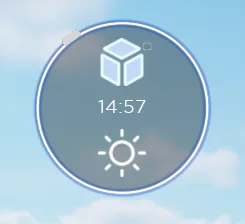
The cube at the centre of the dial acts as the selector: each face corresponds to a view.
Free fly
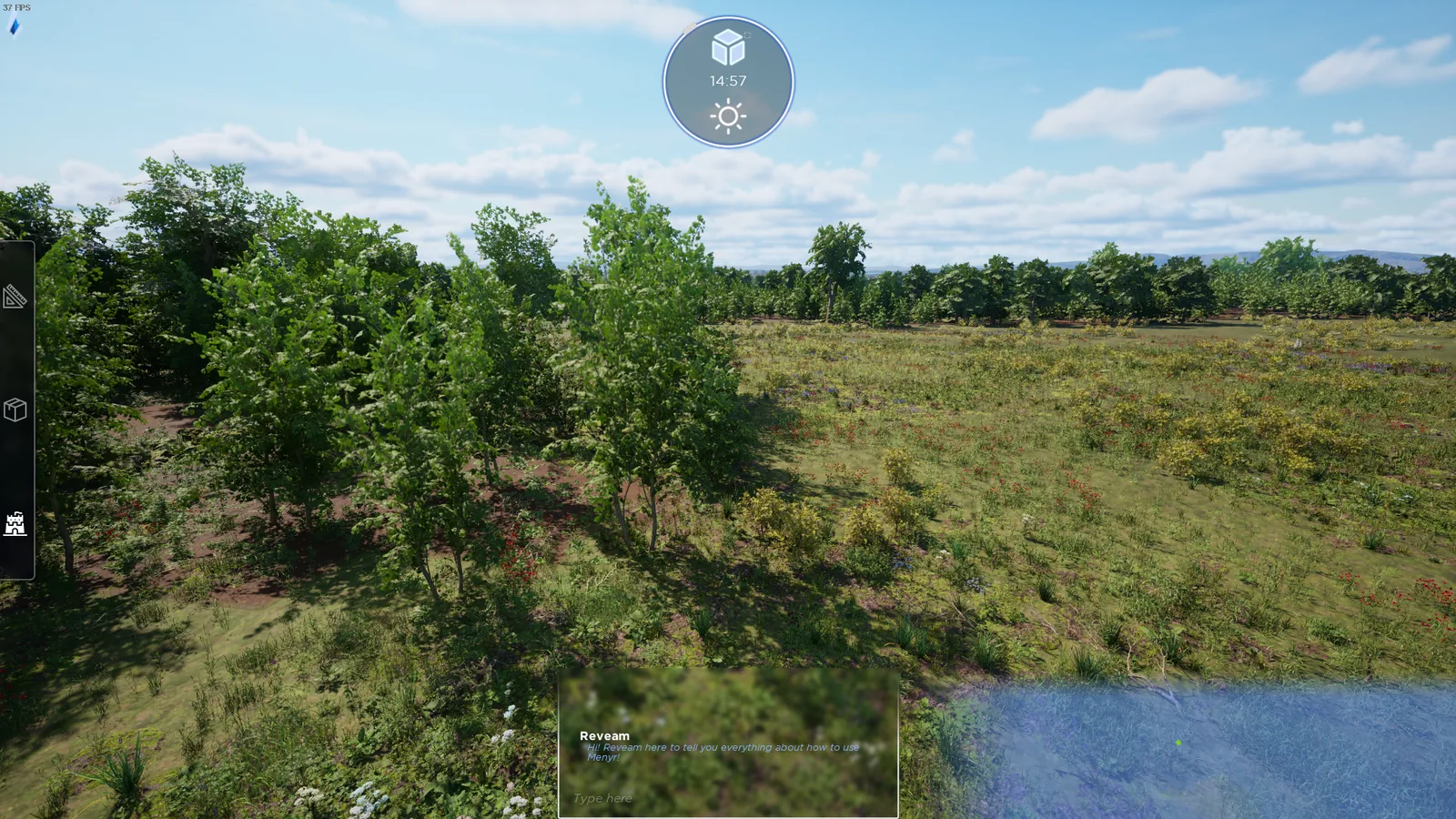
The default view when you launch Menyr. You move freely through the air, which makes it the building view.
Click the left face of the cube to return to it from another view.
Top down
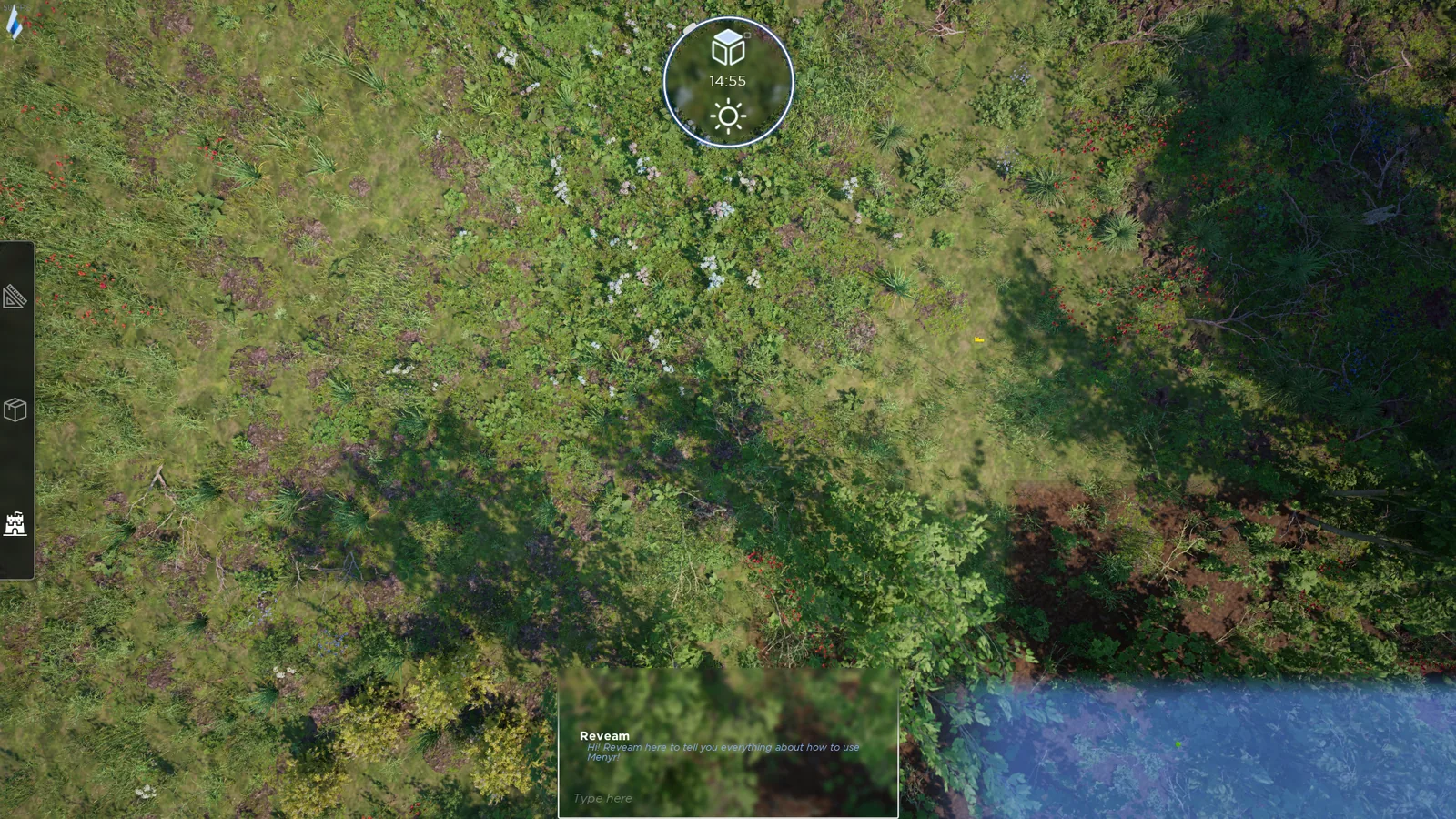
Click the top face of the cube. The camera locks vertically: this is the tactical view, closest to a traditional gaming table.
First person
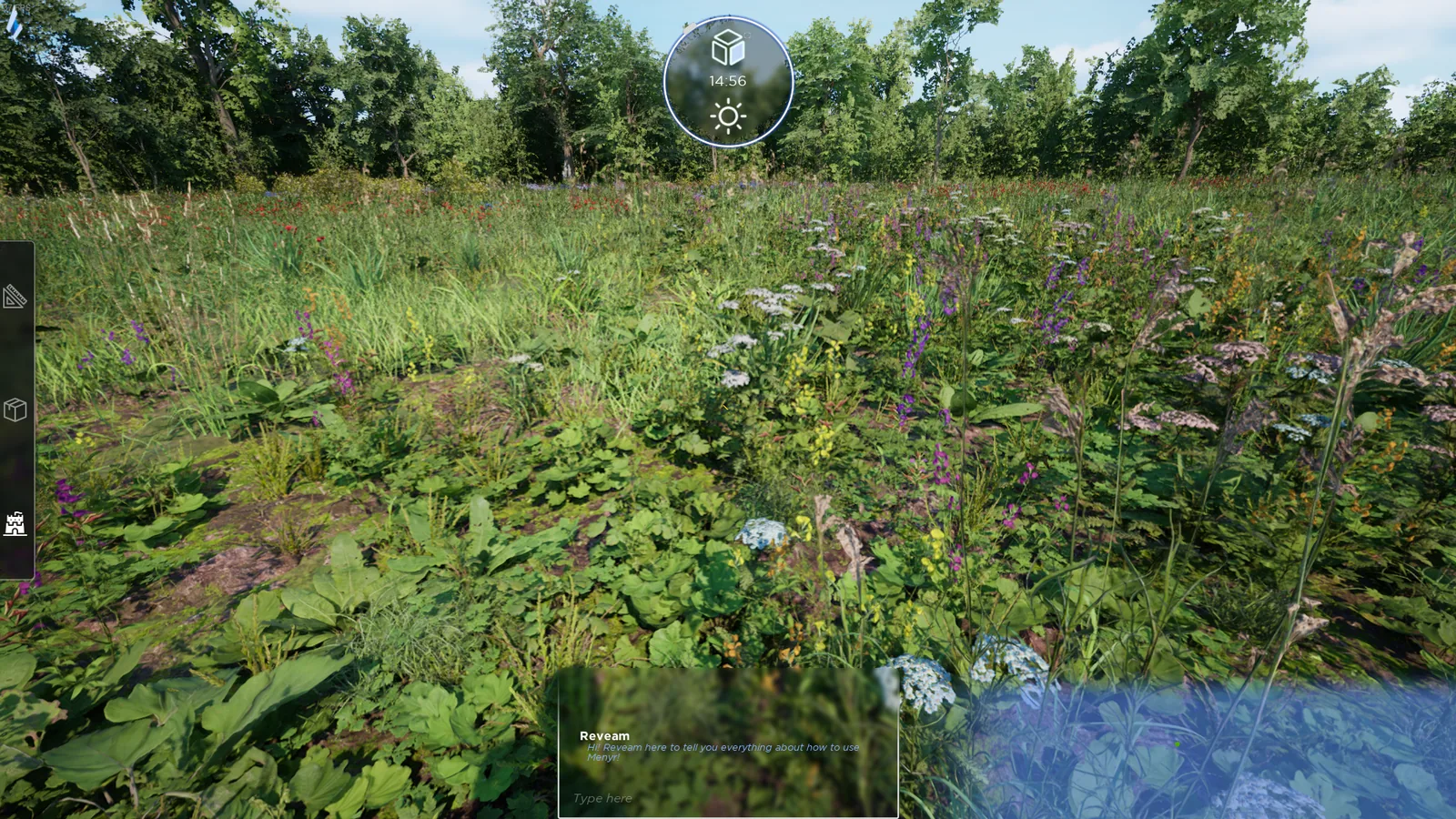
Click the right face of the cube. You see the world through your character's eyes.
Third person
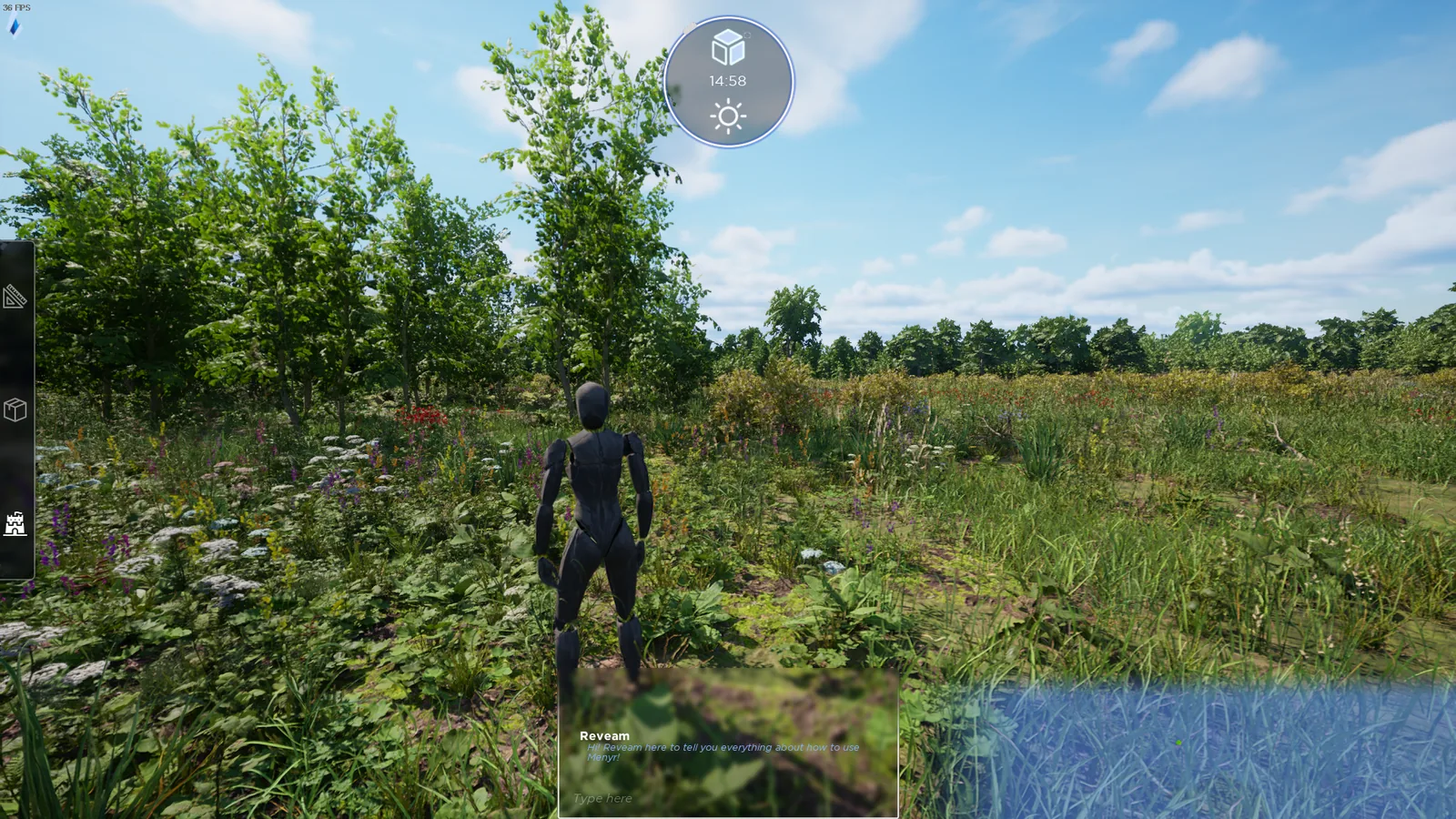
Click the small square at the top right of the cube. The camera sits behind your character.
In third person, N swaps the camera from one shoulder to the other.
In game
The storyteller dial also gives access to time and weather. See Ambience.