The Sand Castle
The Sand Castle is Menyr's terrain creation tool. You drop shapes, Menyr computes relief with erosion, water flow and geological layers.
It only applies to Open World boards: a Dungeon board has no terrain.
Opening the tool
Click the castle icon on the left side of the screen.
The four steps
The panel reads left to right.
| Step | What it does |
|---|---|
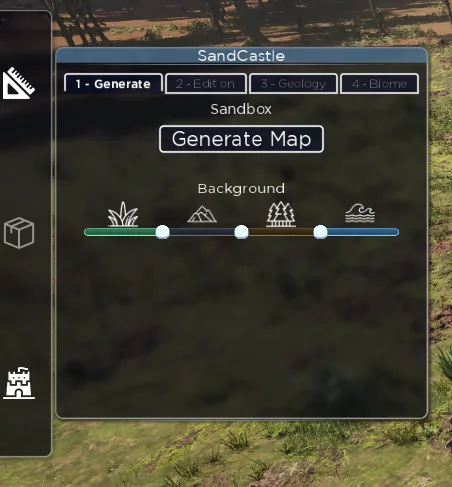
| 1. Generate | Generate a procedural world as a starting point |
| 2. Edition | Place and arrange landforms |
| 3. Geology | Set erosion and ground definition, then compute |
| 4. Biome | Paint vegetation |
Edition: shaping the relief
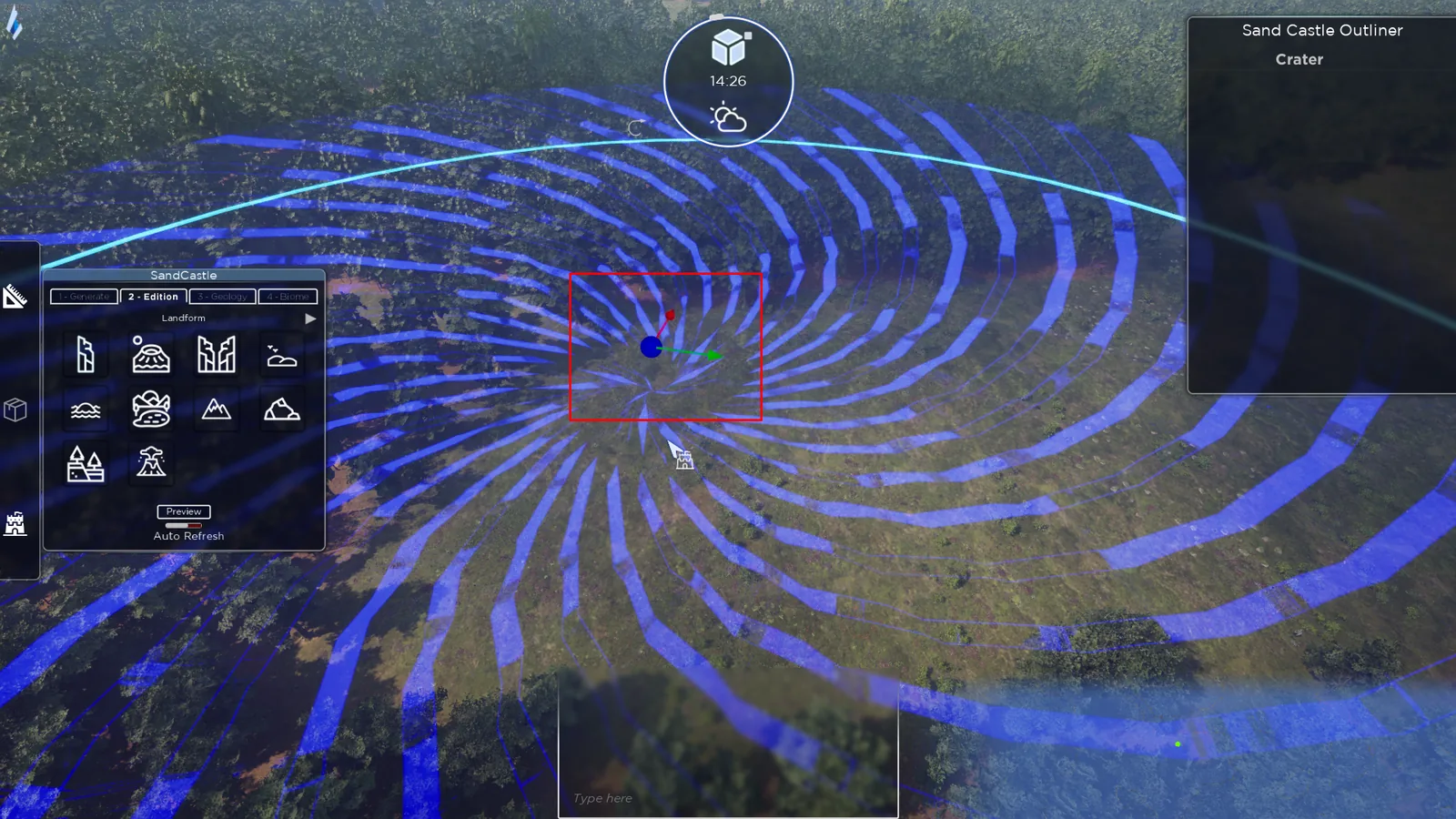
Drag and drop a landform from the panel. An arrow to the right of the list opens more shapes.
Move it with the gizmo: the central ball moves across several axes, the red handle follows the X axis, the green one the Y axis. Press R to switch to rotation or scaling.
The outliner
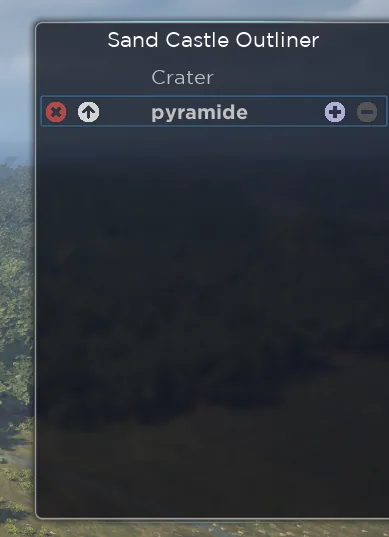
The outliner lists your shapes. Click a name to rename it, and use the controls to delete shapes or reorder them in the hierarchy.
Geology: computing the terrain
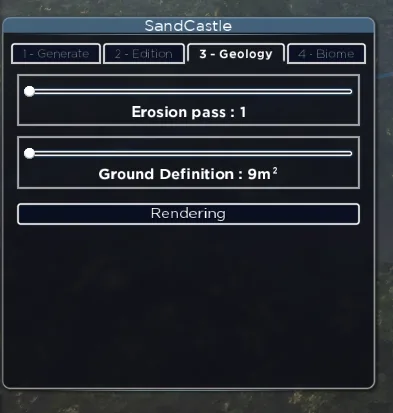
Two settings drive the result:
- The number of erosion passes, which defines how detailed the relief is
- The ground definition
Both increase computation time. Then run the render to get your final map: allow 2 to 3 minutes depending on your CPU.
Biome: painting vegetation
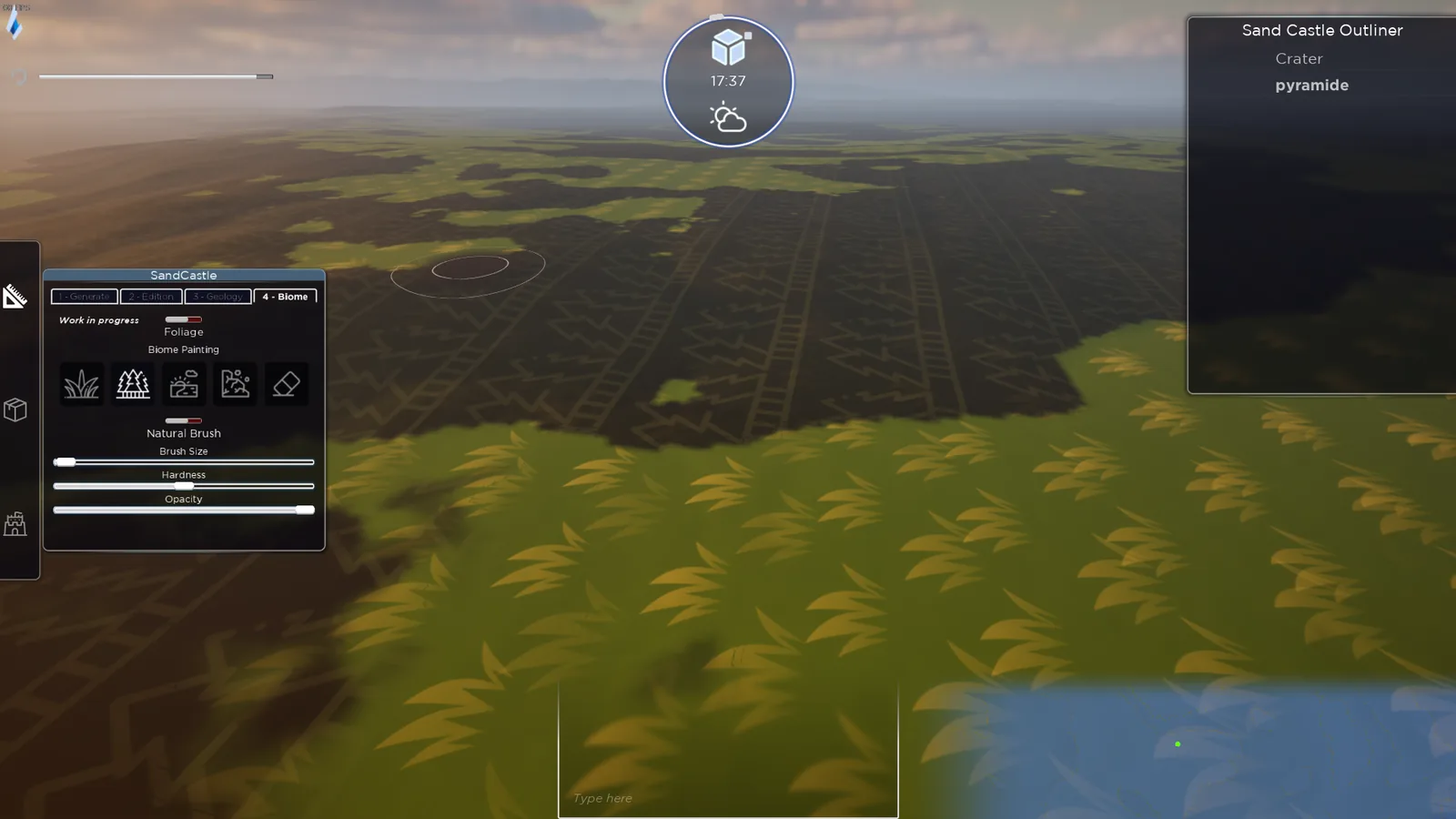
Painting mode temporarily hides foliage so you can see what you're doing. You can bring it back with the toggle at the top of the Sand Castle window.
You get four biomes (plain, forest, beach, rocks) and an eraser. Three brush settings go with them: size, hardness and opacity. A natural brush mode makes the borders between biomes look less regular.
Generation sizes
| Size | Area | Available |
|---|---|---|
| S | 1 km² | coming |
| M | 25 km² | coming |
| L | 100 km² | yes |
Today only the 100 km² size is available.